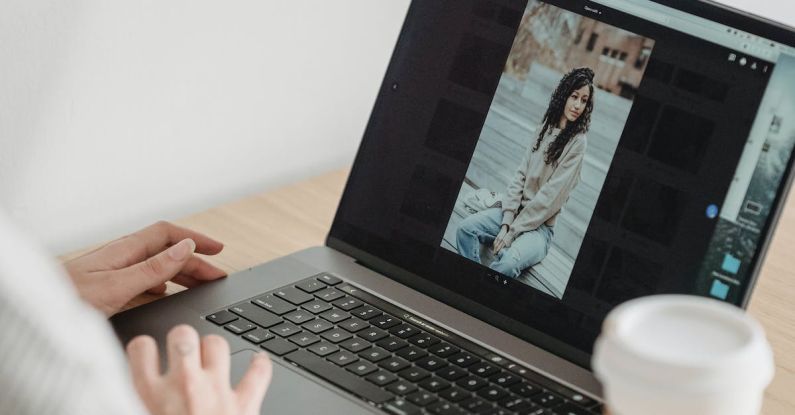
When it comes to image editing, there are plenty of software options available in the market. However, for beginners, choosing the right software can be overwhelming. With so many features and functionalities to consider, it can be difficult to determine which software is the best fit for your needs. In this article, we will explore some of the top image editing software options for beginners and help you make an informed decision.
Adobe Photoshop Elements: The Perfect Introduction to Photoshop
Adobe Photoshop Elements is a stripped-down version of the industry-leading software, Adobe Photoshop. Designed specifically for beginners, Photoshop Elements offers a user-friendly interface and a wide range of tools and features. With this software, you can easily crop, resize, and enhance your images, as well as apply filters and effects. Photoshop Elements also provides step-by-step tutorials and guided edits, making it a great choice for beginners who are just getting started with image editing.
Canva: Simplified Image Editing for Beginners
If you’re looking for a simple and intuitive image editing software, Canva is an excellent choice. With its drag-and-drop interface and pre-designed templates, Canva makes it easy for beginners to create stunning graphics and designs. Whether you want to edit photos, create social media posts, or design marketing materials, Canva provides a wide range of tools and templates to help you achieve professional-looking results. Plus, it offers a free version, making it accessible to everyone.
GIMP: A Powerful Free Image Editing Software
If you’re on a tight budget, GIMP (GNU Image Manipulation Program) is a free and open-source image editing software that rivals some of the paid options. GIMP offers a wide range of tools and features, including advanced editing capabilities like layer masks and customizable brushes. While the interface may not be as polished as some of the other software options, GIMP provides a comprehensive set of tools for beginners to explore and learn from.
Pixlr: Online Image Editing Made Easy
For those who prefer to edit images online without downloading any software, Pixlr is a great option. With its user-friendly interface and powerful editing tools, Pixlr allows beginners to edit, retouch, and enhance their images directly in their web browser. The software offers a range of features, including filters, overlays, and adjustment tools, enabling users to transform their photos with ease. Pixlr also provides step-by-step tutorials and a supportive user community, making it ideal for beginners who want to learn and improve their image editing skills.
Affinity Photo: A Professional-Grade Software for Beginners
If you’re a beginner who wants to dive into more advanced image editing, Affinity Photo is a great choice. This software offers a wide range of professional-grade tools and features, including advanced retouching, HDR merging, and panorama stitching. While Affinity Photo may have a steeper learning curve compared to some of the other options on this list, it provides a comprehensive set of tools for beginners to grow into and explore.
In conclusion, choosing the best image editing software for beginners depends on your specific needs and preferences. Whether you’re looking for a simple and easy-to-use software like Canva or a more advanced option like Affinity Photo, there is a software out there that will suit your needs. Take the time to explore different options, try out free trials, and consider your budget before making a decision. Remember, practice makes perfect, and with the right software, you’ll be well on your way to creating impressive edits in no time.